

Instruction
Step 1: Install 5KPlayer Software
Download and Install 5KPlayer in your computer. You can download 5KPlayer here. 5KPlayer is a combination of media player, online video downloader, AirPlay streamer as well as iOS device's screen recorder.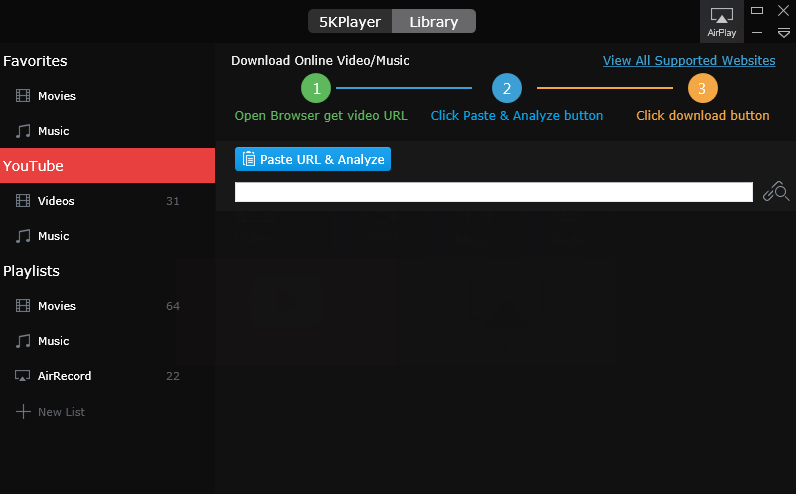
Step 2: Copy the YouTube Video Link
Launch the 5KPlayer software. Now you need to copy the web address of the Youtube video that you want to download. In order to do that, mark the link to the video in the address bar of your browser and hit Ctrl+C (or Cmd+C for MAC).
Step 3: Insert the youtube video link in 5KPlayer
After copying the link, switch to the 5KPlayer. In the “Library” tab, Go to youtube insert the copied link into url textbox, You can do this by hitting Ctl+V (or Cmd+V for Mac) then hit the search button beside the url textbox. 5KPlayer will inspect the url to check if its available to download.
Step 4: Select video quality/format
Before you start the download, you can now decide in which quality and which output format you want to save the video. In order to do that, click the gear icon beside the video thumbnail and select the your desired format then click ok.

Step 5: Download the video
Hit the Download button to start the download.
